
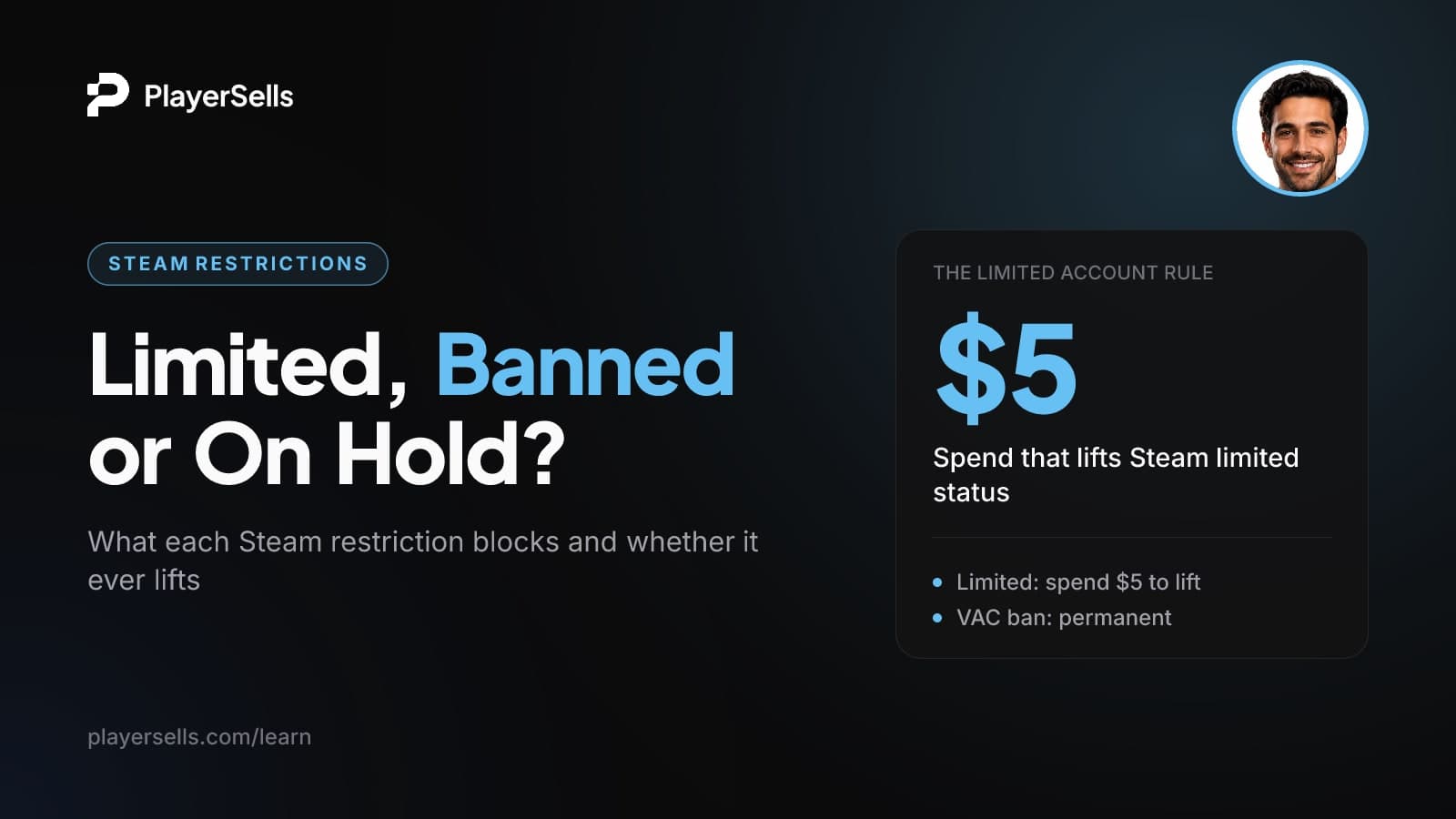
Steam Limited Account, VAC Bans and Trade Holds Explained
A Steam limited account hasn't spent $5 USD. Learn what lifts it, why VAC and CS2 game bans freeze items, and what trade holds mean before you trade.
A Steam limited account is one that has not yet spent at least $5.00 USD, or the equivalent in your currency, in the Steam store. Until it does, Steam blocks friend invites, the Community Market and trading of Steam Community items. Add $5 or more to your Steam Wallet or buy $5 of games to lift it. Gifts received from other users, retail keys and Market earnings don't count.
This guide is for CS2 and Rust traders, people checking a trade partner, and anyone checking an account or inventory for restrictions. It covers the four restrictions you meet most often: limited status, VAC and game bans, trade holds, and CS2 Trade Protection. For each one you get what it blocks, whether it can be lifted, and what it means for the items involved.
Key takeaways
- A Steam account stays limited until it has spent at least $5 USD (or the regional equivalent) through qualifying purchases such as Steam Wallet top-ups or store game purchases.
- Money from Steam Market sales, gifts received from friends, retail game keys and free-to-play games do not count toward lifting limited status.
- A refund to your bank or a chargeback is subtracted from your total spend, and if it drops below $5 USD the account becomes limited again.
- Valve says VAC bans are permanent, cannot be appealed and cannot be removed by Steam Support, and items cannot be sent out of a VAC-banned account.
- Valve's FAQ says CS2 items cannot be moved from a CS2 game-banned account to another account, so its CS2 inventory is effectively frozen.
- Bans stay on an account no matter who was using it when the violation happened, which makes sharing or handing over account access a serious risk.
Steam account restrictions at a glance
Limited status is temporary and fixable by you. VAC and game bans are long-term and lock items in place. Trade holds and CS2 Trade Protection are temporary delays set by Valve. The table below puts them side by side, as of October 2026.
| Restriction | What causes it | What it blocks | How long it lasts | Who can lift it |
|---|---|---|---|---|
| Limited user | Qualifying spend under $5 USD, including after refunds or chargebacks | Friend and group invites, group chat, review and Workshop voting, the Steam Market, trading Steam Community items | Until qualifying spend reaches $5 USD | Only you, with a qualifying purchase. Steam Support cannot remove it |
| VAC ban | Automated detection of known cheat signatures when connecting to a VAC-secured server | Playing that game on VAC-secured servers, sending items out of the account, refunds for that game | Permanent | No one. Bans issued in error are removed automatically |
| CS2 game ban | A Valve game ban, using different detection from VAC | Moving CS2 items to any other account | Not stated in the Valve FAQ we reviewed. Esports outlet bo3.gg says the practical outcome matches a VAC ban | Not confirmed. The Valve FAQ we reviewed does not describe a way to lift it |
| Trade hold | Not confirmed from Valve as of October 2026. Third-party guides link it to Steam Guard Mobile Authenticator status | Delivery of traded items until the hold ends | Temporary. Check Valve's current rules | Expires on its own |
| CS2 Trade Protection | Applies to CS2 items after a trade | Third parties report a window in which a completed trade can be reversed | Temporary. Check Valve's current rules | Expires on its own |
What is a Steam limited account?
It's an account that hasn't yet spent enough real money in Steam. According to Steam's limited user accounts page, spammers, scammers and phishers mostly use dummy accounts that have never bought anything, so Steam holds back certain community features until an account has spent at least $5.00 USD.
Being limited is not a punishment and has nothing to do with bans. A brand-new account that has only played free games is limited by default.
What a limited account cannot do
Valve lists these blocked features:
- Sending friend invites or group invites
- Requesting access to groups or opening group chat
- Voting on Steam Reviews or Workshop items
- Participating in the Steam Community Market
- Trading Steam Community items such as trading cards, booster packs and gems
What a limited account can still do
Limited users can still create community groups, chat, and be added as friends by other people. So if you're limited and need to connect with a trade partner, they can send you the friend request. One thing that won't help is a support ticket: Steam Support cannot remove limited status from an account.
How do you remove limited status on Steam?
Make a qualifying purchase that brings your total spend to $5 USD or more, or the equivalent in your currency. The purchase has to be real money going into Steam from your side, not value coming in from someone else.
- Step 1: Confirm you're limited. If you can't send friend invites or open the Community Market, limited status is the likely reason.
- Step 2: Choose a qualifying method: add $5 USD or more to your Steam Wallet, buy $5 USD or more of games from the Steam store, redeem a Steam Wallet card worth $5 USD or more, or buy a Steam gift worth $5 USD or more.
- Step 3: Skip methods that don't count (see the table below). Spending Market earnings on a game, for example, won't help even if the game costs more than $5.
- Step 4: Don't refund or charge back the purchase. Doing so takes the amount back off your total and can put you straight back into limited status.
- Step 5: If you're still limited, recheck what you actually paid with. A received gift, a retail key or Market funds are the usual culprits.
| Counts toward the $5 | Does not count |
|---|---|
| Adding $5 USD or more to your Steam Wallet | Funds earned from selling items on the Steam Market |
| Buying $5 USD or more of games in the Steam store | Receiving a Steam gift or digital gift card from a friend |
| Redeeming a Steam Wallet card worth $5 USD or more | Activating a retail game key |
| Buying a Steam gift worth $5 USD or more | Free-to-play games, free demos, Free Weekends and promotional trials |
| Promotional CD keys from hardware makers, non-Steam game shortcuts |
Why an unlimited account can become limited again
This is the part most guides skip. If a purchase is refunded to your bank or charged back, Steam subtracts that amount from your total spend. If the total falls below $5 USD, the account becomes limited again, even if it was fully unlocked before.
For a trader, that matters in two ways. An account sitting right at the $5 line is one refund away from losing Market access. And chargebacks in an account's history are a warning sign about how its payments have been handled.
Third-party guides describe separate Community Market eligibility checks that have nothing to do with limited status. We haven't verified them against Valve for this article, so if you're unlimited and still can't use the Market, check Steam's own Market help pages.
What is a VAC ban, and can it be removed?
A VAC ban is an automatic, game-specific ban for detected cheats, and it cannot be removed. Valve's VAC support page calls VAC bans permanent and non-negotiable, and says Steam Support cannot remove them. The only exception is a ban issued incorrectly, which Valve says is removed automatically.
How VAC bans are issued
VAC (Valve Anti-Cheat) is automated. It detects cheats by their signatures. If you connect to a VAC-secured server from a computer with identifiable cheats, VAC bans you from playing that game on VAC-secured servers. Modifying a game's core executable files and DLLs also counts as cheating.
Two common myths, corrected by the same page: server admins cannot issue VAC bans, and nobody gets VAC banned on player reports alone. A VAC-banned player can still use insecure servers if the game offers them.
What a VAC ban blocks beyond matchmaking
The ban reaches past gameplay. Valve's VAC FAQ, as quoted in this CS2 community discussion, says items and games cannot be moved from a VAC-banned account to another account. The banned account can still buy new games and receive items, but it cannot send items. Steam's refund policy also removes the right to a refund for the game you were VAC banned in.
Game bans vs VAC bans in CS2
A game ban is a separate ban type from a VAC ban, and many searchers group CS2 game bans with "Overwatch bans." Esports outlet bo3.gg describes VAC bans and game bans as using different detection methods but having the same practical outcome. For traders, the key line comes from Valve's CS2 game ban FAQ, quoted in this VAC discussion thread: Counter-Strike 2 items cannot be moved from a game-banned account to a different account.
Can you trade or sell items from a VAC-banned account?
No. Valve's support FAQ states items cannot be moved out of a VAC-banned account, and CS2 items cannot be moved out of a CS2 game-banned account. At least one skin marketplace article ranking for this query says VAC bans leave skins fully tradable. That contradicts Valve's own wording, so follow Valve.
In practice, a banned inventory is frozen. The skins may still show a price on third-party sites, but if they can't leave the account, that price is theoretical. Anyone offering to "sell" you items from a banned account is offering something they cannot deliver through Steam.
Valve's FAQ says bans stay on an account no matter who was using it when the violation happened, because the account owner is responsible for its use and security. "Someone else was playing on it" is not a defence, and VAC bans cannot be appealed.
That rule is quoted in this VAC discussion thread, and it is the core risk with any account that has changed hands. A ban earned by a previous user, or by anyone with access later, lands on the account and everything in it.
On linked accounts, bo3.gg reports that accounts closely tied to a banned account, through shared payment methods or IP history, can draw scrutiny. The Valve pages we reviewed don't spell out a rule on this, so don't assume a clean account is shielded just because it's a separate login.
Steam trade holds and CS2 Trade Protection: what we can confirm
Both are temporary restrictions, not bans, and both expire on their own. Beyond that, we couldn't confirm the current durations and triggers against Valve's own support pages as of October 2026. Specific day counts circulate widely, but they come from skin marketplace blogs, so we're not repeating them here.
Trade holds
A trade hold delays delivery of items after you confirm a trade. Third-party guides tie holds to your Steam Guard Mobile Authenticator status, which is why "how to remove trade hold Steam" searches usually end in advice about authenticator setup. Treat that as a lead to check, not a rule. Check Steam's own trade help pages for the current rules before you confirm a trade.
CS2 Trade Protection and trade reversals
Third parties describe CS2 Trade Protection as a period after a trade during which items are marked as protected and the trade can be reversed. If that's right, an item that has arrived in your inventory is not fully settled until protection ends. They also report penalties for the account that triggers a reversal. Check Valve's CS2 support pages and announcements for the current rules before you rely on any specific window.
The safe working assumption: a trade that is still inside any hold or protection period is not final. Don't pass the item on, and don't consider a deal done, until the item is clear.
What each restriction means for item value and buyer risk
Restrictions decide whether an item can move, and an item that can't move has little resale value. Here's how each one plays out:
- Limited status: fixable for $5 USD, so it barely affects value. It does shut the account out of the Market and Steam Community item trading until lifted.
- VAC ban: items can come in but not go out. For trading purposes, the inventory is worth close to nothing.
- CS2 game ban: CS2 items can't be moved to another account, so the CS2 inventory is stuck in place.
- Trade hold or Trade Protection: temporary. Value is intact, but the item isn't settled until the period ends.
Restrictions are one input. Market events matter too, as our breakdown of the CS2 trade-up update and skin market crash shows.
If you're looking at a whole account
Be direct with yourself about the terms. Steam's subscriber agreement is widely reported to prohibit selling or transferring accounts. We haven't quoted the exact clause here, so read it yourself, and understand that Valve can act on any account regardless of how it was acquired. If you come across account listings, for example on a Steam accounts page, keep those terms in mind. Our guide to Steam account list vs resale value explains why restrictions cut so deeply into price, and what happens when a bought account gets suspended covers the downside.
Checklist before you trade
- Check ban status for every game you care about, not just CS2.
- Confirm the account is unlimited and that qualifying spend sits comfortably above $5 USD.
- Ask about refunds and chargebacks, since either can bring limited status back.
- Check Steam's current trade hold and Trade Protection rules before confirming.
- Find out who else has had access. Under Valve's rules, their actions become the account's problem.
Trading Steam items safely on PlayerSells
PlayerSells lists Steam items such as CS2 and Rust skins. Escrow does not change Valve's rules, but it does control when money moves. Every listing is reviewed by a person before it goes live. Payments go through escrow: the buyer pays PlayerSells, the money is held, and the seller is paid only after the buyer confirms the item was delivered as described.
Every deal follows the same sequence: offer sent, accepted, payment pending, paid, delivered, buyer confirmed, completed. Either side can open a dispute before completion. A human moderator reviews it, and the money stays held while it's open. Our how it works page walks through each stage.
Given what's unconfirmed about Trade Protection, buyers should confirm delivery only once the item is in their inventory and they've checked its trade status. Disputes can only be opened before completion, so don't confirm early. Sellers get an on-platform wallet and can withdraw after a clearing period. Fees are listed on the pricing page. If you have skins to move, start at sell your skins. If you're buying, browse Steam items.
Frequently asked questions
Do Steam gift cards or gifted games remove limited account status?
Only if you redeem or buy them yourself. Redeeming a Steam Wallet card worth $5 USD or more counts, and so does buying a Steam gift worth $5 USD or more. Receiving a Steam gift or a digital gift card from a friend does not count toward your spend.
Can you trade CS2 skins if you are VAC banned?
You can receive them but not send them. Valve's FAQ says items cannot be moved from a VAC-banned account to another account. Any claim that VAC leaves skins fully tradable contradicts Valve's own wording.
Can you trade with a game ban (Overwatch ban) in CS2?
Not CS2 items. Valve's CS2 game ban FAQ says Counter-Strike 2 items cannot be moved from a game-banned account to a different account. The practical result for your inventory matches a VAC ban.
Does a VAC ban spread to other accounts on the same PC or phone number?
Valve's pages we reviewed don't state a rule on this. Esports outlet bo3.gg reports that accounts closely linked to a banned one, through shared payment methods or IP history, can draw scrutiny. Treat any account connected to a banned one with caution, and don't rely on forum claims either way.
Can a Steam account lose access to the Community Market after a refund or chargeback?
Yes. Steam subtracts refunded or charged-back amounts from your total spend, and if that total drops below $5 USD the account becomes limited again. Limited accounts can't participate in the Steam Market.
Can Steam Support remove limited status or a VAC ban?
No to both. Steam Support cannot remove limited status, which you lift yourself with a qualifying $5 purchase. VAC bans are permanent and cannot be removed by Support, though Valve says incorrectly issued bans are removed automatically.
Bottom line
Limited status is a $5 fix. Spend it the right way and avoid refunds. VAC and CS2 game bans are the opposite: permanent in practice, they stick no matter who caused them, and they lock items in place. Holds and Trade Protection are temporary, so treat any item inside one as unsettled.
Before you trade, run the checklist above. When you're ready to buy or sell skins with payment held until delivery is confirmed, browse Steam items on PlayerSells.

Published by the PlayerSells editorial team. Data comes from PlayerSells marketplace records and our own crawlers. About PlayerSells · Editorial policy
Related Articles
Continue learning with these related guides.
Instagram Account Disabled? Causes, Appeals and Timelines
Instagram account disabled, suspended or restricted? Learn which state you're in, how to appeal, the video selfie check, and what the 180-day window means.

Telegram Scams: Fake Escrow Bots, Admin Swaps and Fake Subs
How Telegram scams work in 2026: fake escrow bots, admin swaps, fake subscribers, fake Fragment buyers and freeze phishing, plus how to verify each one.

SIM Swap Attacks: How Accounts Get Stolen and How to Stop It
A SIM swap lets criminals receive your SMS codes and reset X, Instagram and TikTok passwords. Learn how to lock your number and switch to app-based 2FA.